Product Setup & Guides
Choose a product guide below for step-by-step instructions on setting up your faith-aligned local digital protection.
Usage & Wellbeing Dashboard
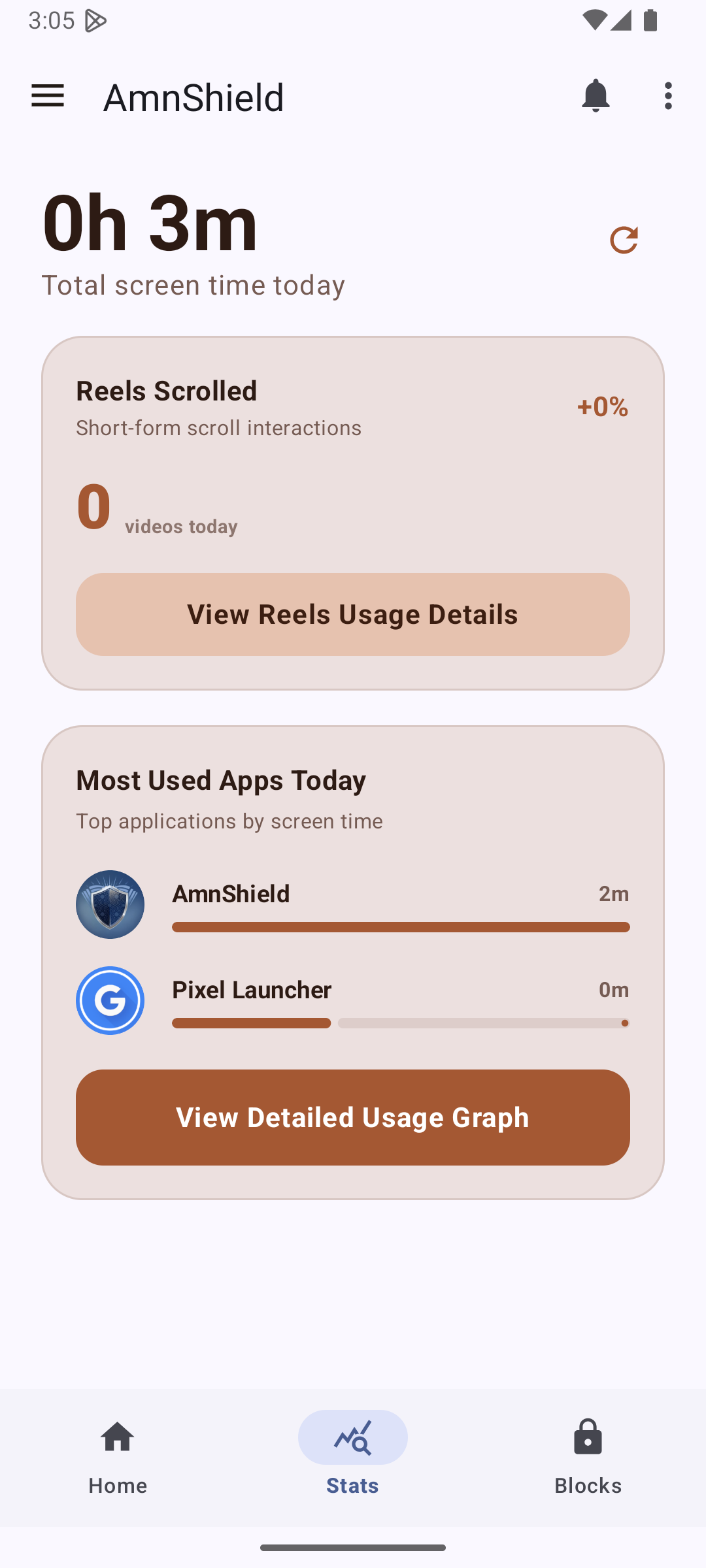
Monitor your digital habits at a glance. Track today's screen time against your configured daily limit, compare usage patterns across the last 7 days with the interactive weekly bar chart, and review focus minutes and interception counts in real time. All telemetry is 100% on-device and private.
Granular Blocks & Active Schedules
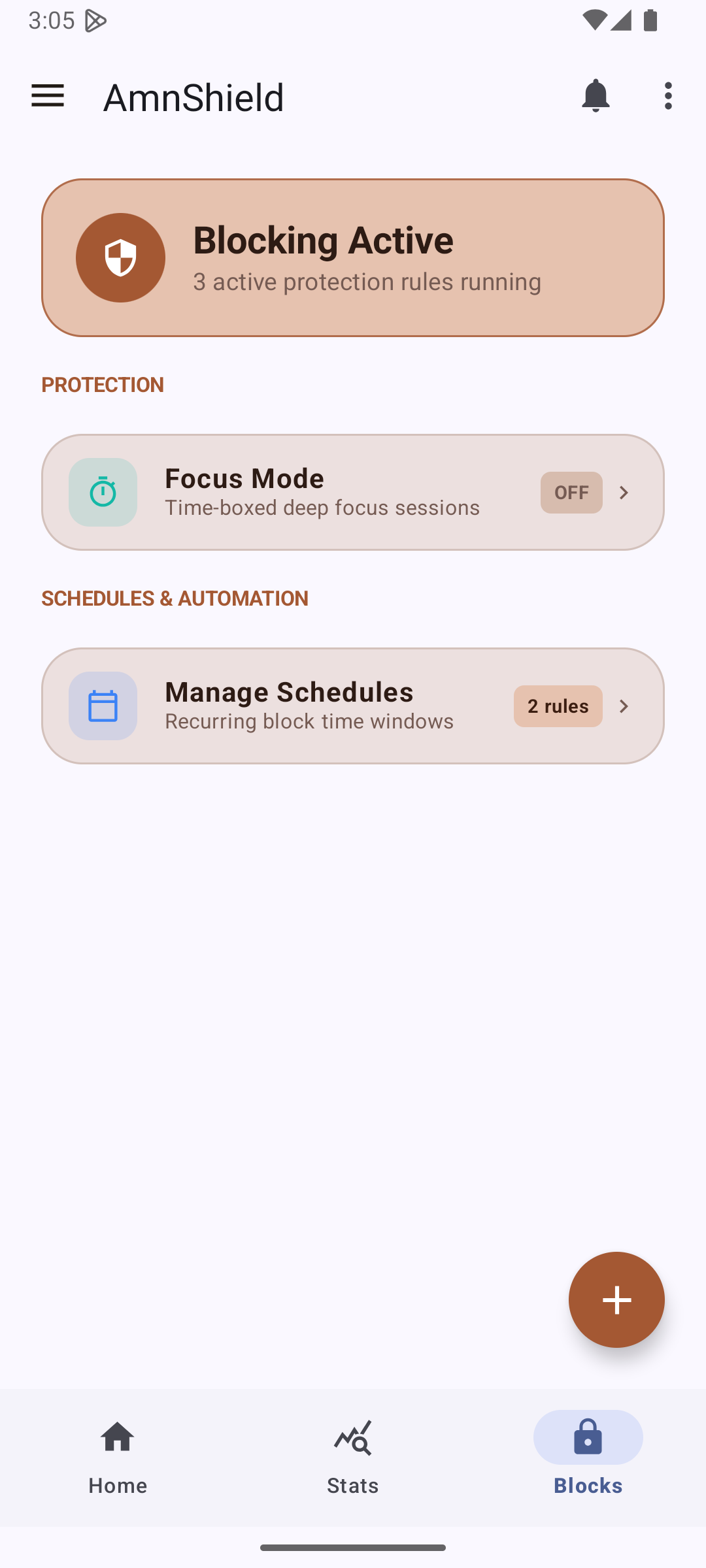
Configure customized protection rules with individual schedules and cheat hours. Enforce strict blocking windows (e.g., 08:00–16:00 during work or study) with scheduled cheat hours (e.g., 12:00–13:00 during lunch). Filter by active schedules, daily launch limits, or category packs with one tap.
Short Video & Reels Interceptor
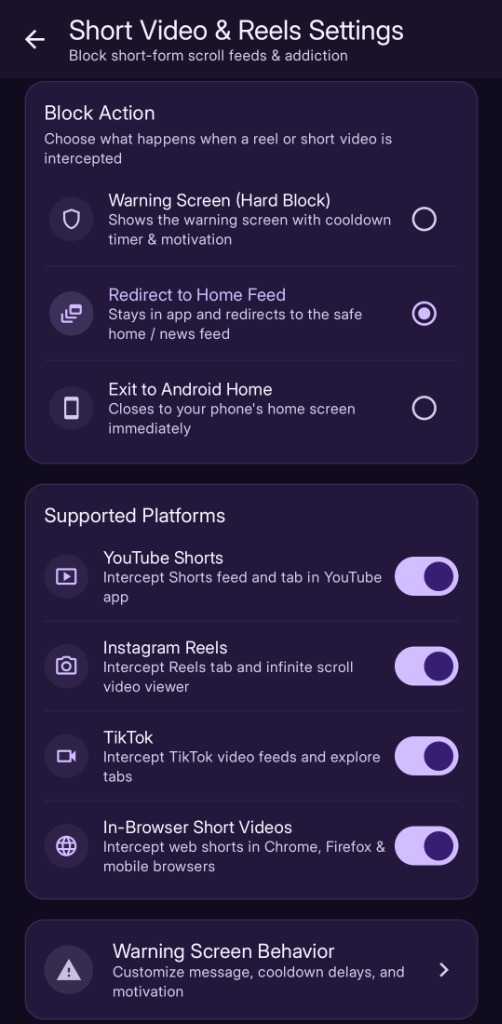
Break infinite scroll addiction with fine-tuned interception actions. Choose what happens when an infinite video reel is detected: display a mindfulness Warning Screen (Hard Block) with motivational cooldown, silently Redirect to Home Feed, or instantly Exit to Android Home.
Quick Focus Mode & AutoFocus
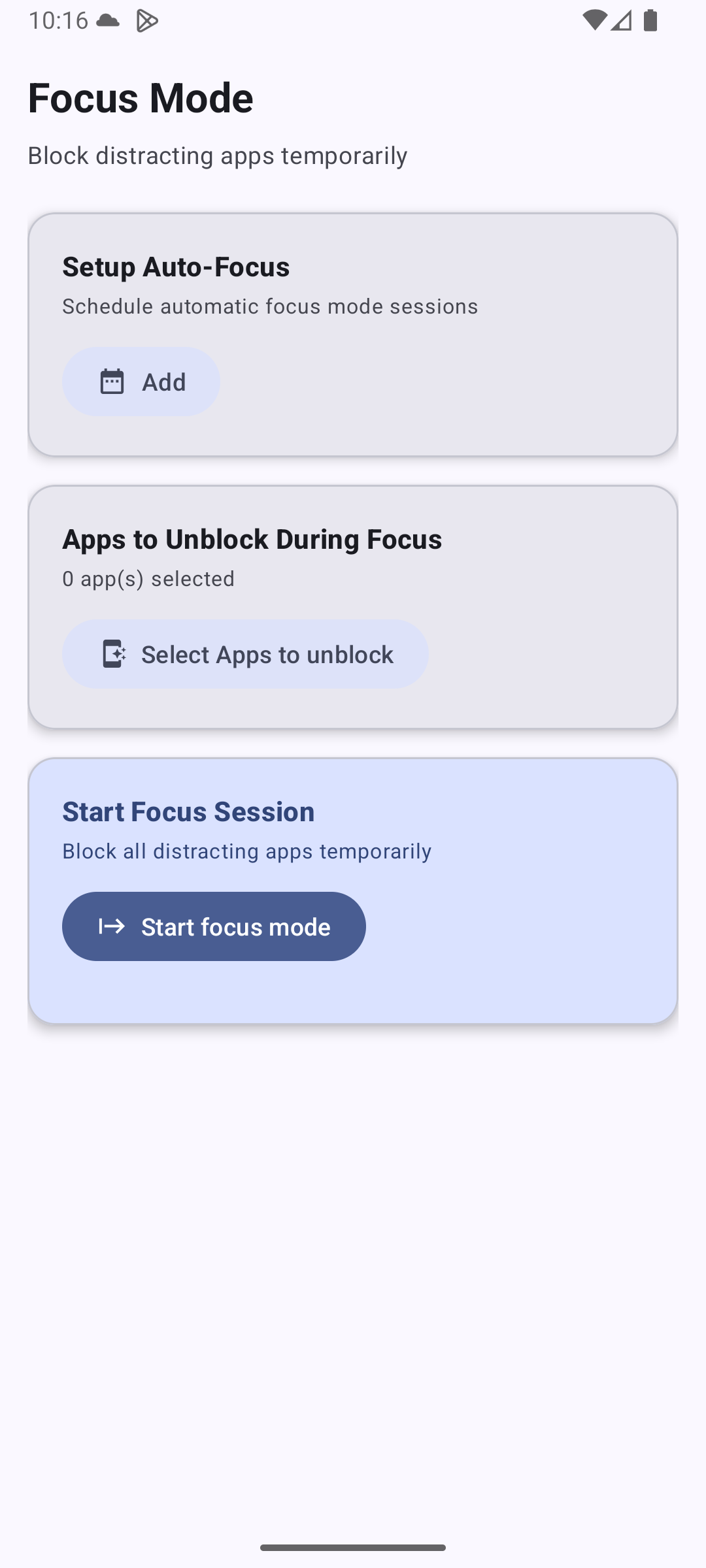
Lock down distractions during prayer, study, work, or family time. Choose from convenient quick presets (15m, 30m, 60m) or fine-tune with the interactive duration slider. Select between a Block Distractions blacklist or a Strict Whitelist mode allowing only essential apps.
Advanced Security & PIN Protection
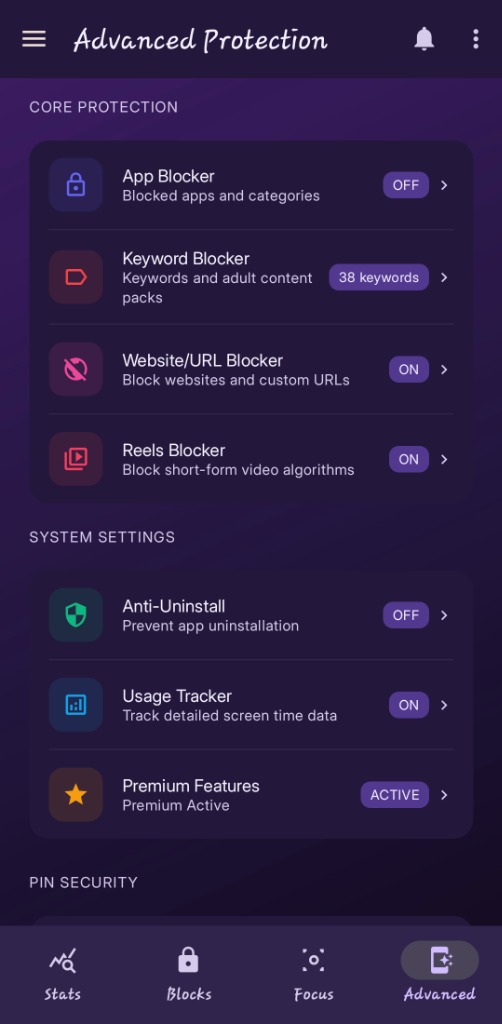
Protect your self-discipline configurations from impulse removal. Enable Device Admin Anti-Uninstall Protection and secure app settings behind a master 4-Digit Security PIN with configurable waiting cooldowns (2 to 30 minutes, 5-minute recommended default). Lock active rules behind the Bypass PIN to eliminate accidental disables.
Safety First & Emergency Whitelisting
AmniShield hardcodes emergency dialers (911, 999, 112), SOS safety dispatch, active keyboards, and home launchers as non-blockable at the core architecture level. In Focus Mode "Block All", System Settings is unblocked by default so you can always adjust Wi-Fi and Bluetooth. You can also add your own personal emergency apps (e.g. WhatsApp, Maps) to the Always Whitelisted Apps list in Focus Mode settings.